Your Jellyfin library, in the living room.
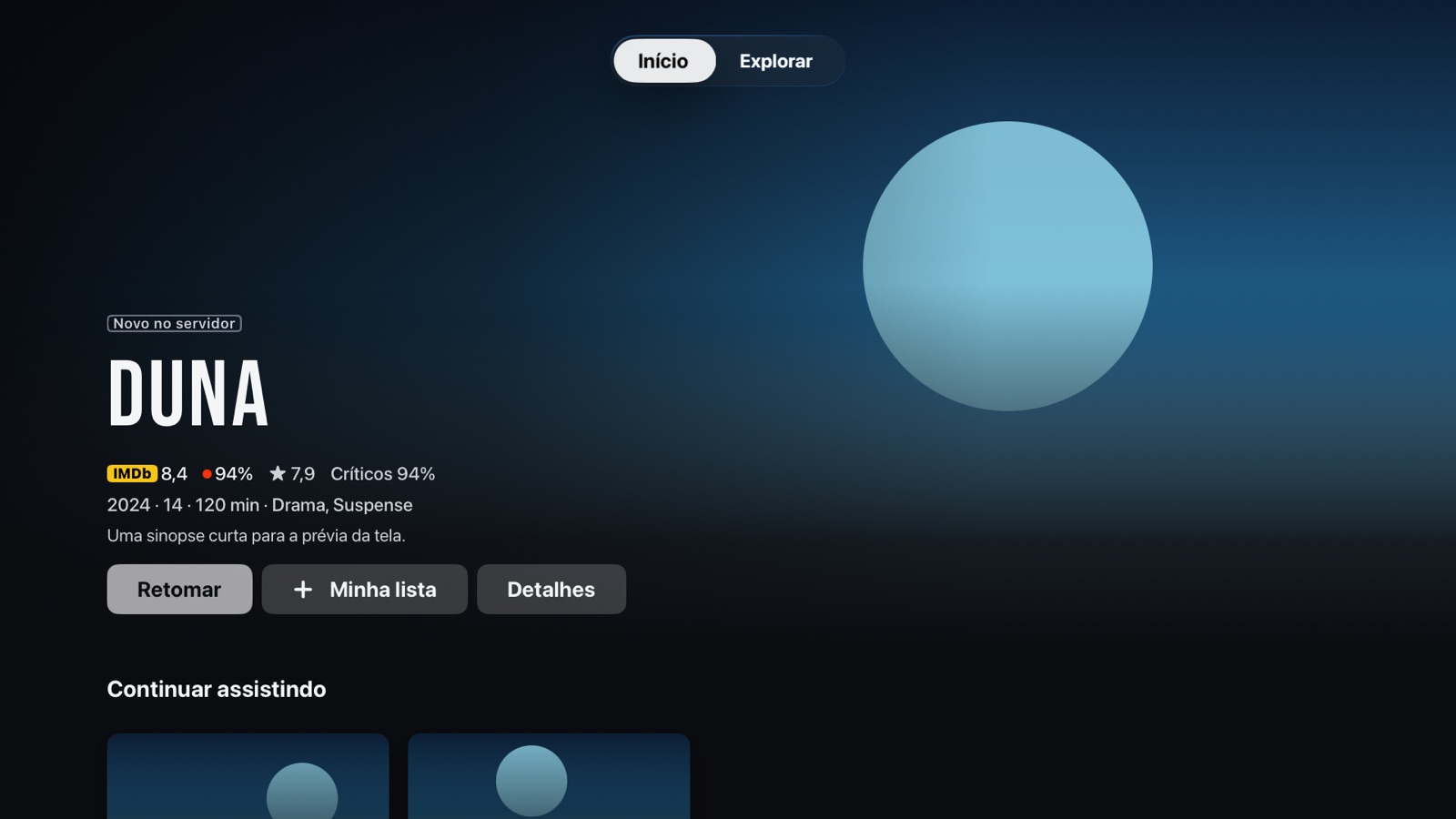
Medusa is an Apple TV client that connects to your own server, with controls built for the Siri Remote.
What you get
- 01
Home
Continue Watching and Next Up.
- 02
Libraries
Series, seasons and the details of every title.
- 03
Search
Look up movies, shows and episodes on your server.
- 04
Playback
Siri Remote controls and resume where you left off.
- 05
Subtitles and audio
Switch tracks. If you like, search SubDL for subtitles with your own free key.
- 06
Ratings
Optional, using your own OMDb API key.
Built for the big screen
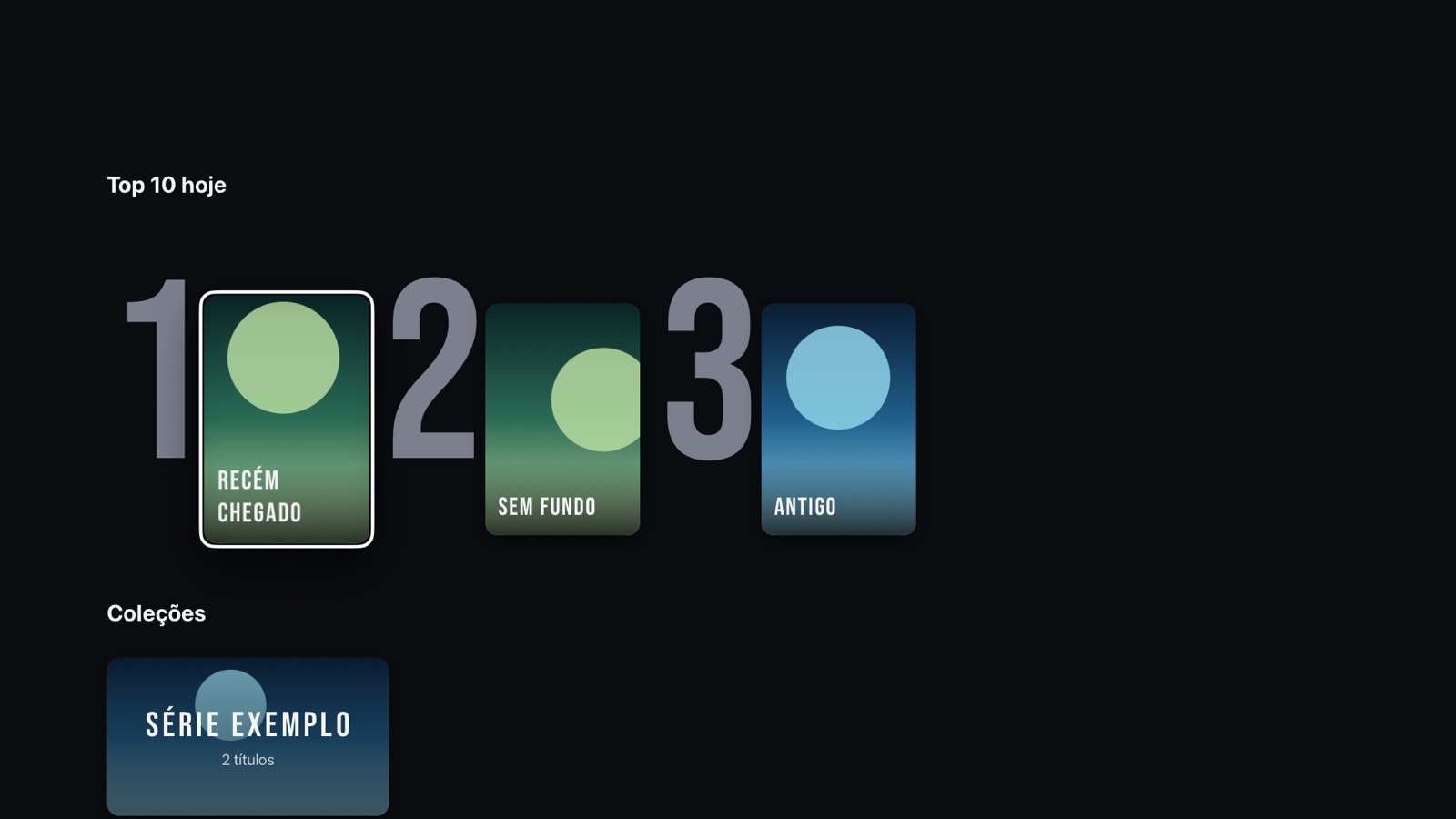
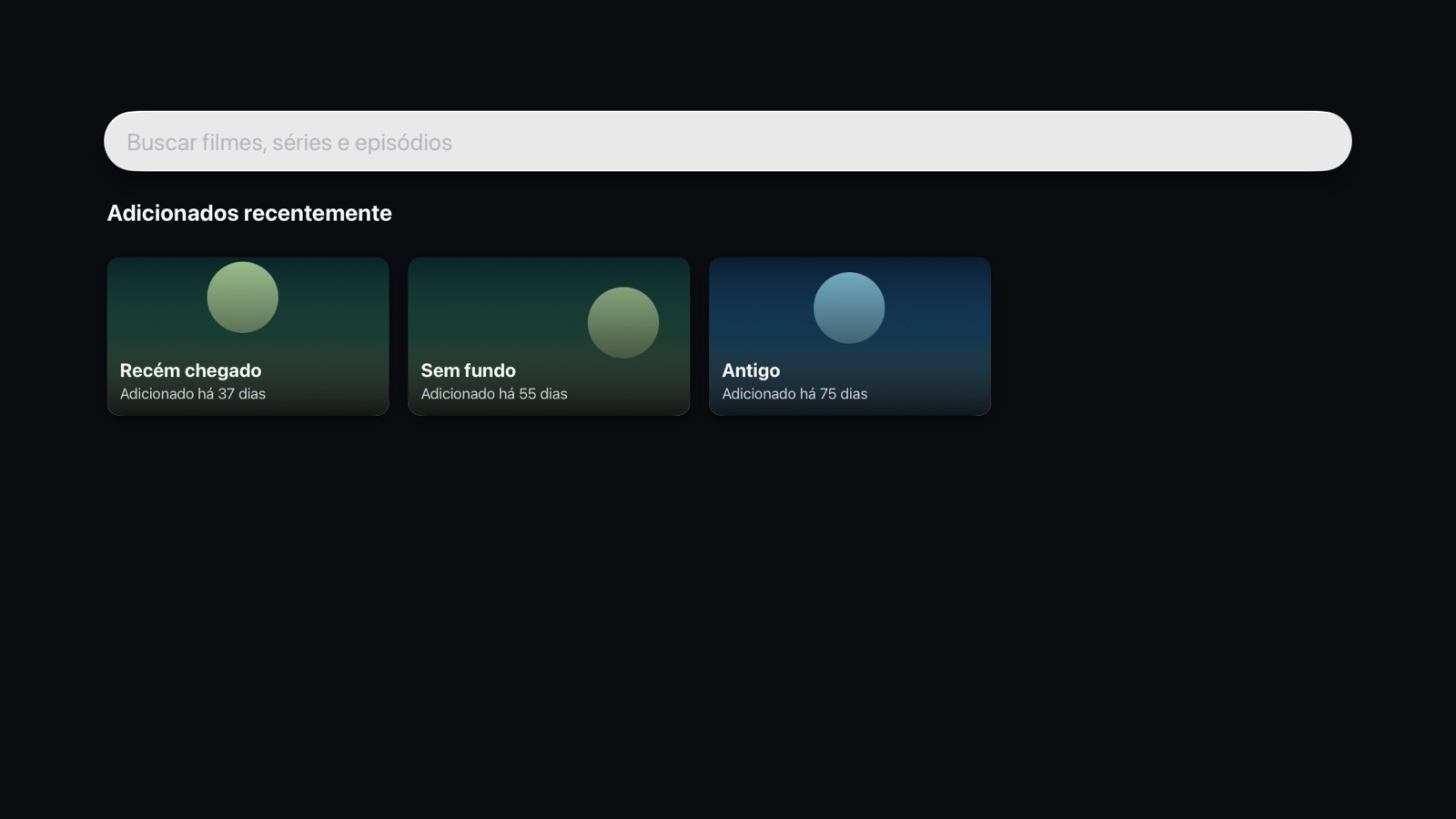
Apple TV captures with demo content. The app includes no movies or shows.
Support
Medusa includes no movies, shows or other content. It shows and plays the library of the Jellyfin server you set up, signed in with your account, and it does not download anything from outside sources.
Requirements
- Apple TV with tvOS 17 or later.
- A Jellyfin server that you run or have permission to use.
- Access to the server over your local network or the internet. Use HTTPS whenever possible.
- A Jellyfin user name and password with permission to view the library.
Report a problem
Send the following to medusa@linearcraft.dev:
- The app version (Settings, About and data) and your tvOS version.
- The file or title name, and what happened.
- The playback method and the text on the diagnostic screen, if it appears.
Do not send passwords or your full server address. If needed, send only the domain.
Frequently asked questions
- How do I connect my server?
- In Add server, type the address (for example,
https://jellyfin.example.comorhttp://192.168.0.10:8096), then sign in with your Jellyfin user name and password. - Does Medusa come with movies or shows?
- No. The app shows only what exists on your server.
- Why does the app allow plain HTTP?
- Many home servers only offer HTTP on the local network. The app allows it, but we recommend HTTPS or a VPN when the server is outside your home.
- Are SubDL subtitles free?
- Subtitle search uses your own SubDL API key, entered in Settings. The key is free and the limits are the ones on your SubDL account.
- How do I turn on OMDb ratings?
- Create a free key on the OMDb website and enter it in Settings. Without a key, the app shows the ratings your server provides.
- How do I delete my data?
- In Settings, use Sign out or Remove for a server, or Erase all data and servers under About and data. Playback history stays on your server and is removed through Jellyfin itself.
- Does Medusa have its own account?
- No. There is no sign-up and no sync between devices.
Contact
Questions and support: medusa@linearcraft.dev. Privacy policy: read it here.